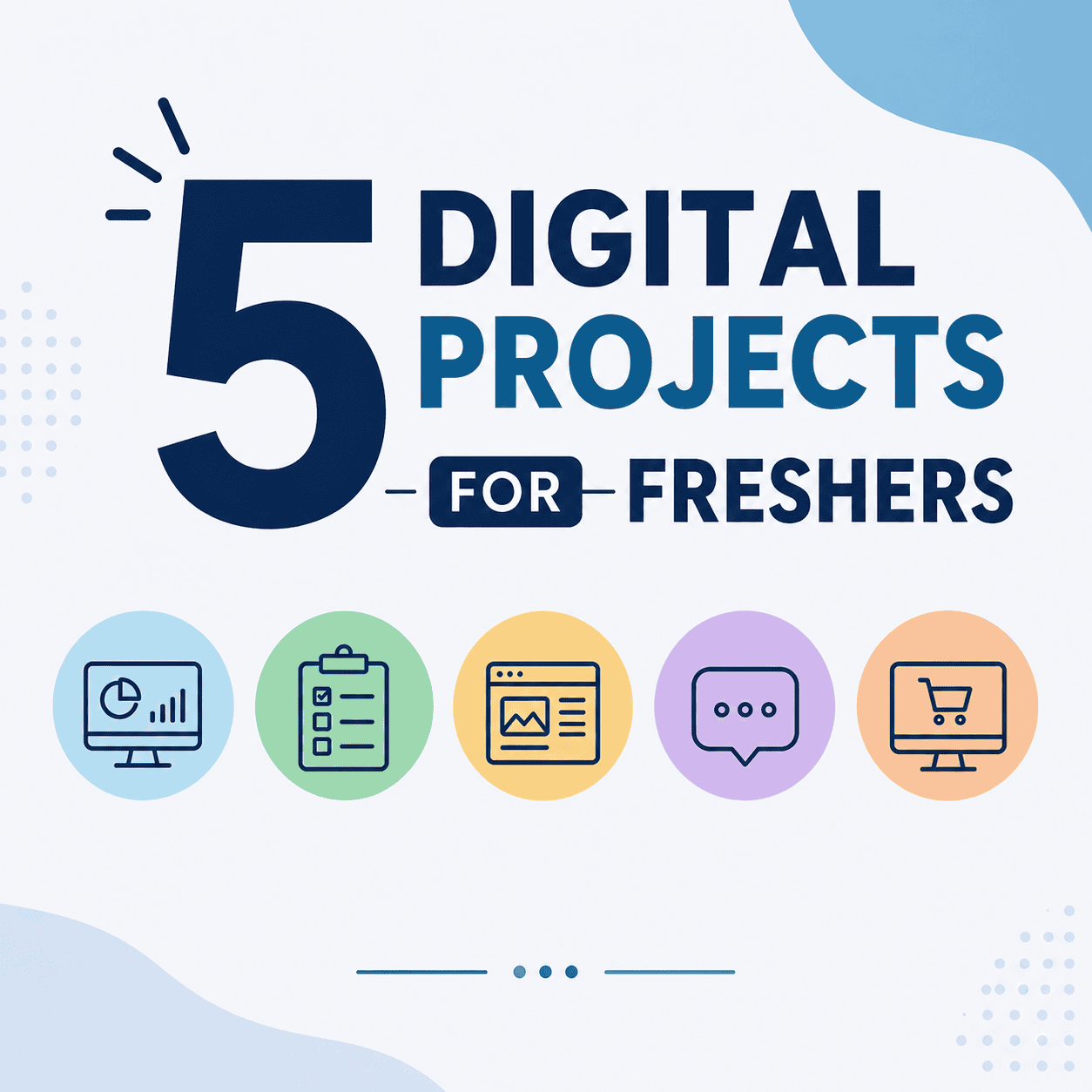
Freshers can impress recruiters by completing 5 mini digital projects in just 7 days. Build a portfolio, create dashboards, prototypes, videos, and campaigns to stand out in interviews.
Introduction
Mini digital projects for freshers are the fastest way to answer the question every recruiter asks:
“Can you show me what you’ve actually built?“
You’ve got the degree. You’ve polished the resume. But theory alone doesn’t prove skill.
That’s the moment most freshers freeze – because theory alone doesn’t prove skill.
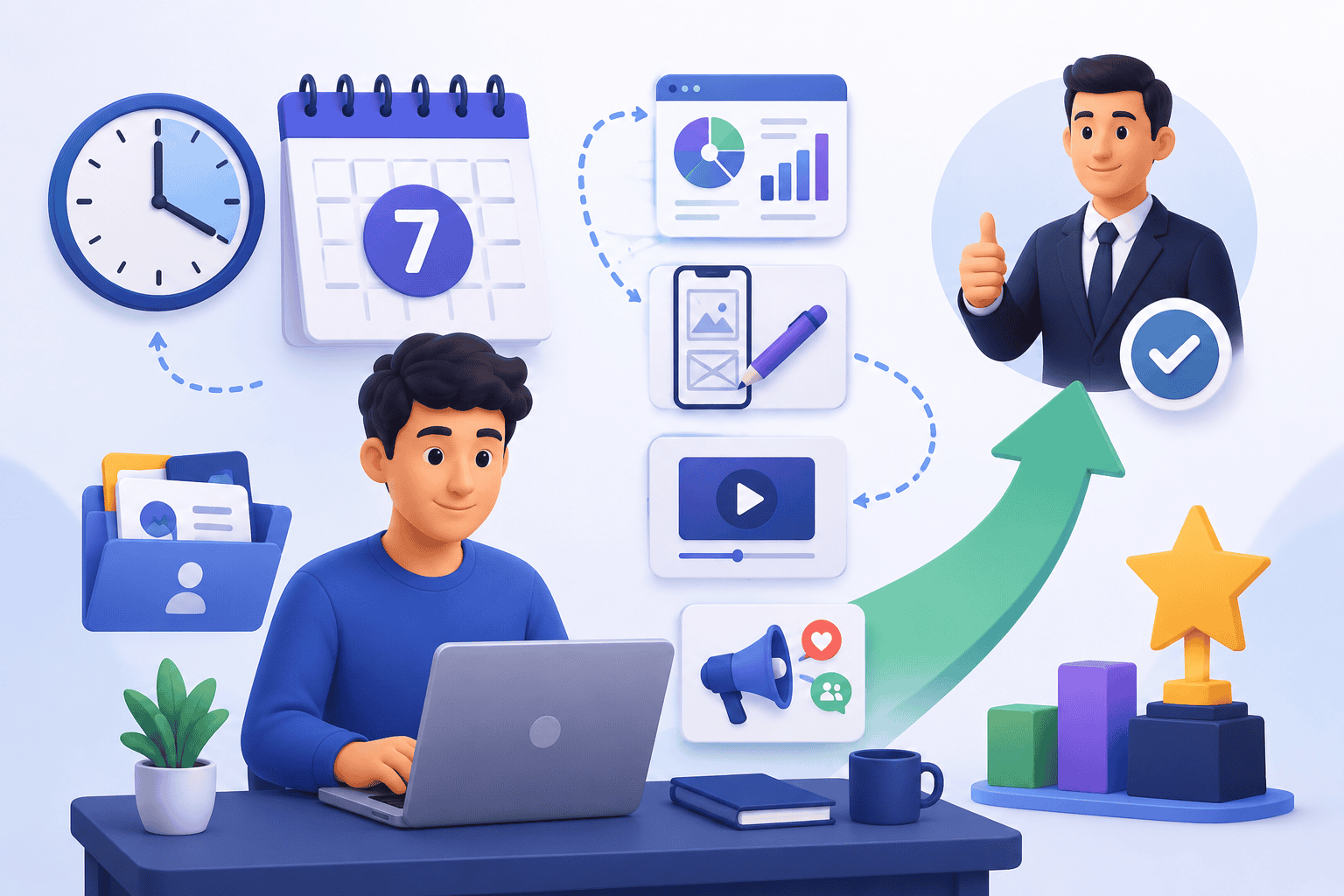
But here’s the twist: you don’t need years of experience or expensive courses to stand out. In fact, in just seven days, you can create mini digital projects that make recruiters remember your name.
These aren’t complicated or costly. They’re smart, simple, and free projects designed to showcase initiative, creativity, and problem-solving. And today, I’ll show you five powerful ideas that can transform your profile from ordinary to unforgettable.
These mini digital projects for freshers are specifically designed to be completed in one week — no experience or budget required.
5 Mini Digital Projects for Freshers You Can Do in 7 Days
1. Personal Portfolio Website
Goal
Create a one-page portfolio that shows your resume, skills, a short project gallery, and a contact link.
Why it stands out
A portfolio is the single best proof that you care about your professional image. It shows basic web skills, attention to detail, and a place to link all your other projects.
Among all mini digital projects for freshers, a portfolio website gives you the highest return — every other project links back to it.
Tools
GitHub Pages, WordPress, Netlify, or Canva Website.
What to include
-
- Short bio and photo.
-
- One-line skill summary.
-
- Links to projects (GitHub, live demos, videos).
-
- A short blog post about your learning journey or a project case study.
Quick steps
-
- Day 1: Choose a template on GitHub Pages or Canva. Write a short bio and list your skills.
-
- Day 2: Add your resume and a project section. Create one case study (200–300 words).
-
- Day 3: Polish the design, add a contact link, and social profiles. Mobile test.
-
- Day 4–5: Add screenshots, optimize images, and write meta tags.
-
- Day 6: Publish and, if possible, get a simple custom domain.
-
- Day 7: Share on LinkedIn and add to your resume.
2. Data Visualization Dashboard
Goal
Build a simple dashboard that tells a story with data – for example, “Top Tech Trends 2026” or a personal productivity tracker.
Why it stands out
Dashboards show analytical thinking, the ability to clean data, and skill in presenting insights visually.
This is one of the most impressive mini digital projects for freshers applying to business, marketing, or data roles.
Tools
Google Sheets, Microsoft Excel, Google Data Studio, or Power BI (free tier).
What to include
-
- Clean dataset (CSV or Google Sheets).
-
- 3–4 charts (bar, line, pie).
-
- One short insight or recommendation based on the data.
Quick steps
-
- Day 1: Choose a topic and collect data (public datasets, Google Trends, or your own tracking).
-
- Day 2: Clean and structure the data in Google Sheets.
-
- Day 3: Create charts and a simple layout in Google Data Studio or Power BI.
-
- Day 4: Add filters and interactivity (date range, categories).
-
- Day 5: Write 3 short insights that explain what the charts show.
-
- Day 6: Polish visuals and export a shareable link.
-
- Day 7: Publish and prepare a 60-second explanation for interviews.
Example insight
“Search interest for ‘remote work tools’ rose 40% in the last year – companies hiring remote roles should highlight collaboration tools in job posts.”
3. Mobile Productivity App Prototype
Goal
Design a clickable prototype for a simple productivity app, such as a “Focus Timer for Students” or a “Daily Habit Tracker.”
Why it stands out
A prototype shows design thinking, user flow understanding, and the ability to translate a problem into a product.
For freshers targeting product or UX roles, this mini digital project stands out more than any certificate on a resume.
Tools
Figma (free), Adobe XD (free tier), or Canva for simple screens.
What to include
-
- 4–6 screens (home, timer, task list, settings).
-
- Basic user flow and microcopy.
-
- A short prototype link you can demo.
Quick steps
-
- Day 1: Define the problem and user persona (student, fresher, remote worker).
-
- Day 2: Sketch the main screens on paper or a whiteboard.
-
- Day 3: Build screens in Figma and set up components (buttons, inputs).
-
- Day 4: Link screens to create a clickable prototype.
-
- Day 5: Add simple animations and microcopy.
-
- Day 6: Test with a friend and refine.
-
- Day 7: Export prototype link and record a 60–90 second demo video.
Interview tip
Explain the user problem, your design choices, and one metric you would track (e.g., session length or task completion rate).
4. Explainer Video or Tutorial
Goal
Create a 2–3 minute explainer video that teaches a concept clearly — for example, “Basics of Cybersecurity” or “How to Use GitHub for Beginners.”
Why it stands out
Videos show communication skills, ability to simplify complex ideas, and basic multimedia skills.
This mini digital project for freshers works especially well for those targeting marketing, content, or training roles.
Tools
Canva Video, OBS Studio, or a smartphone + free editing apps (InShot, CapCut).
What to include
-
- Short script (200-300 words).
-
- 6 to 8 slides or scenes.
-
- Voiceover and simple visuals or screen recordings.
Quick steps
-
- Day 1: Choose a topic and write a clear script using the APP method (Agree, Promise, Preview).
-
- Day 2: Create slides or record screen demos.
-
- Day 3: Record voiceover and assemble in Canva Video or OBS.
-
- Day 4: Add captions, simple transitions, and background music.
-
- Day 5: Polish visuals and check audio levels.
-
- Day 6: Export and upload to YouTube or LinkedIn.
-
- Day 7: Share the link and prepare a summary to discuss in interviews.
Interview tip
Mention the research you did, the audience you targeted, and one learning from the process.
5. Cybersecurity Awareness Poster Campaign
Goal
Design 3–4 digital posters that explain simple cybersecurity practices like strong passwords, phishing signs, and safe Wi-Fi use.
Why it stands out
This project shows responsibility, design sense, and awareness of digital safety — a valuable trait for any role.
As mini digital projects for freshers go, this one is unique — very few candidates bring cybersecurity awareness into their portfolio.
Tools
Canva (free), Crello, or Adobe Spark.
What to include
-
- Clear headline and one main tip per poster.
-
- Simple visuals and icons.
-
- A short caption for social sharing.
Quick steps
-
- Day 1: Choose 3-4 topics (passwords, phishing, updates, public Wi-Fi).
-
- Day 2: Draft short, clear messages for each poster.
-
- Day 3: Design posters in Canva using a consistent template.
-
- Day 4: Add icons, color palette, and accessibility-friendly fonts.
-
- Day 5: Create social captions and alt text.
-
- Day 6: Export in PNG and prepare a PDF portfolio.
-
- Day 7: Publish on LinkedIn and share with peers or college groups.
Interview tip
Explain why you chose each message and how you tested readability with peers.
How to Manage These Projects in 7 Days
-
- Day 1–2: Choose project + outline.
-
- Day 3–4: Build core content.
-
- Day 5: Add polish (design, visuals).
-
- Day 6: Test and refine.
-
- Day 7: Publish or present.
-
- Keywords: 7-day project plan, mini project timeline.
FAQs
-
- Q1: Which project is best for IT freshers?
-
- Q2: Can non-tech students do these projects?
-
- Q3: How do I present these projects in interviews?
Closing Insight
In interviews, freshers often compete on the same credentials degrees, resumes, and certifications. These five mini digital projects for freshers change that — they give you real work to show, not just qualifications to list.What truly sets you apart is proof of initiative. These five mini projects aren’t just exercises; they’re conversation starters that show recruiters you can think, build, and deliver under pressure. In just seven days, you can transform your profile from “candidate” to “creator.” Remember: it’s not about having years of experience, it’s about showing the courage to start, the discipline to finish, and the creativity to stand out.
“Freshers don’t need years of experience in just 7 days of bold projects to prove they’re creators, not just candidates.”