Learn Video Editing by Editing.
Not Just Watching Tutorials.
Build practical editing ability through daily execution, real workflows, mentor feedback, and portfolio-focused projects offline in Jodhpur.
Why Learn Video Editing Here?
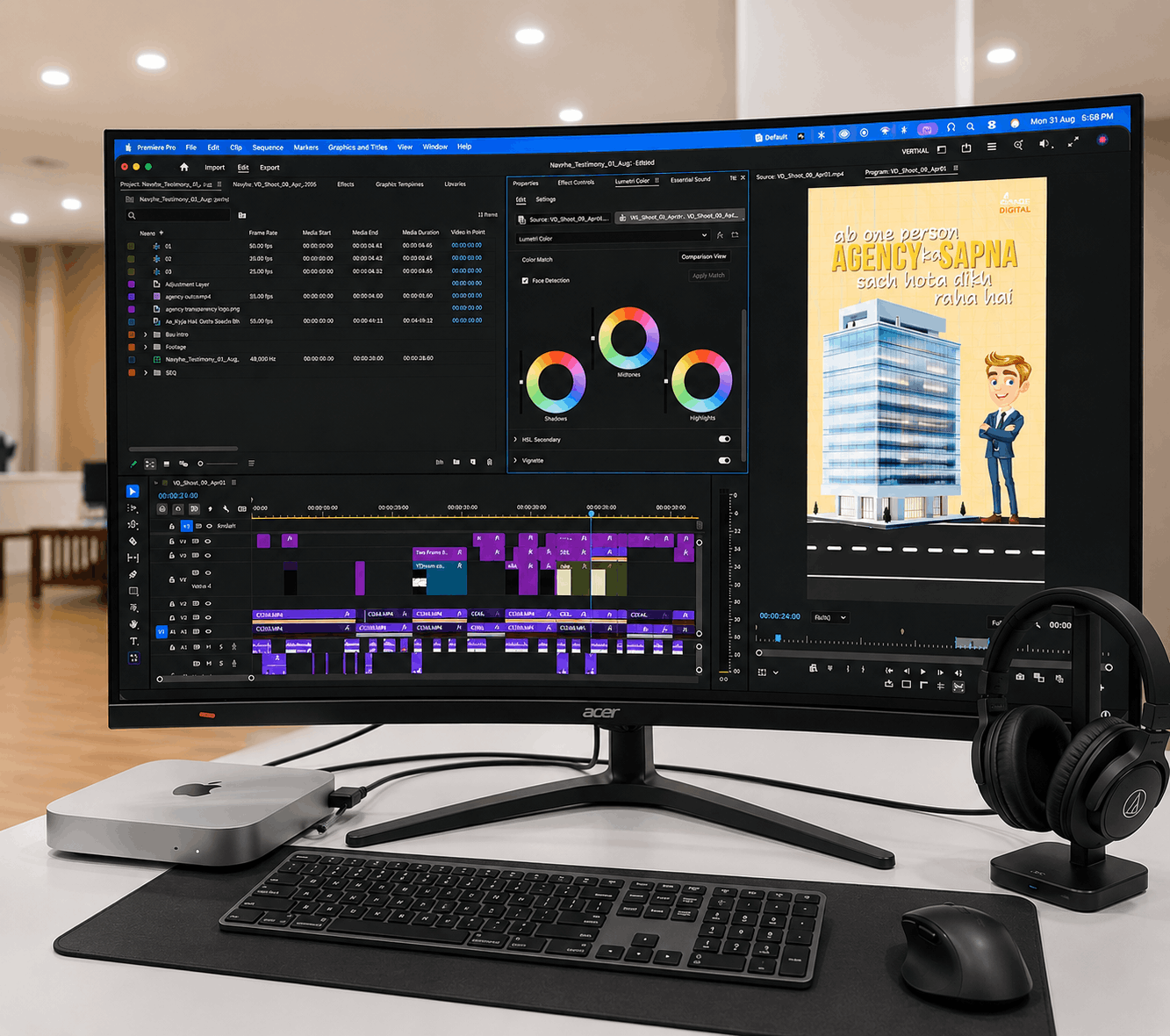
Most online courses teach you Adobe Premiere Pro buttons. They show you where to click, but they don't teach you the pacing, structural logic, audio balance, or script layouts required to hold a viewer's attention.
Vande Digital Academy is styled around daily execution. In our Jodhpur lab, you will get raw clips of actual projects, cut them on structured timelines, submit them for mentor correction, and refine them. By the end, you don't just know how the software works—you know how real video production work is delivered.
Who Is This Program For?
-
College Students & Freshers: Build a visual skill that is in high demand, allowing you to secure assignments early.
-
Aspiring Creators: Learn how to structure your scripts, sync visual templates, select trending layouts, and edit your own reels.
-
Freelancers & Job Seekers: Transition from casual edits to structured timelines, handling revisions and output client deliveries.
Capabilities You Develop
Focused modules that translate directly to professional asset delivery.
Timeline Pacing & Logic
Learn the science of spacing cuts, maintaining rhythm, and trimming dead audio sections to hold audience retention.
Sound Design & SFX
Master secondary audio layers, background ducks, SFX sync, and transitions that make the visual flow look premium.
Text & Kinetic Captions
Establish caption presets, keyframe typography positions, and add dynamic overlays optimized for mobile screens.
Weekly Curriculum Breakdown
2 Months of structured progression, moving from timeline basics to final portfolio builds.
- Non-Linear Editing (NLE) interface, project presets, scratch disks
- Importing assets, raw cataloging, sorting visual bins
- Three-point editing setups, sequence parameters, trim techniques
- The science of the J-cut, L-cut, and split editing logic
- Short-form structural hooks, pacing tricks, frame retention rules
- Secondary audio track balancing, voice cleanup, music selection
- Syncing visual changes to audio spikes, utilizing templates
- CapCut Desktop workflows, keyboard shortcuts, fast-cut layouts
- Keyframing motion graphics, transition styling, overlays
- Kinetic caption presets, customizing colors, scaling variables
- Color correction concepts, Lumetri color panels, LUT mapping
- Export presets, frame rate parameters, resolution constraints
- Interpreting revision logs, editing to timestamps, tracking changes
- Assembling Travel vlog cuts, brand promos, and commercial reels
- Structuring your portfolio folder to present to potential clients
- Freelance platform setup and workflow communication guidelines
Tools You'll Work With
Learn tools utilized by top creative agencies and independent content creators globally, connected directly to practical outcomes.
Professional timeline-based video editing software for long-form structures and advanced sound sync.
High-speed editor for mobile captions, fast visual cuts, and trending social asset presets.
Motion graphics, logo animation, tracking layers, and cinematic title effects builder.
Layered graphic designer used to edit assets and create high-converting video thumbnails.
Why Learn Video Editing at Vande Digital Academy?
We don't focus on theoretical slides. Our teaching processes are modeled around workspace collaboration and direct daily iterations.

Projects You'll Work On
Build verified video assets to catalog inside your creative workspace portfolio.
01. Short-form Reel
30-second kinetic edit syncing transitions, captions, sound effects, and fast pacing loops.

02. YouTube Narrative
5-minute documentary cut incorporating J-cuts, split screens, secondary b-rolls cataloging, and narration sync.

03. Brand Promo Video
Commercial promotional cut showing product launch frames, overlay templates, call-to-actions, and grade sweeps.
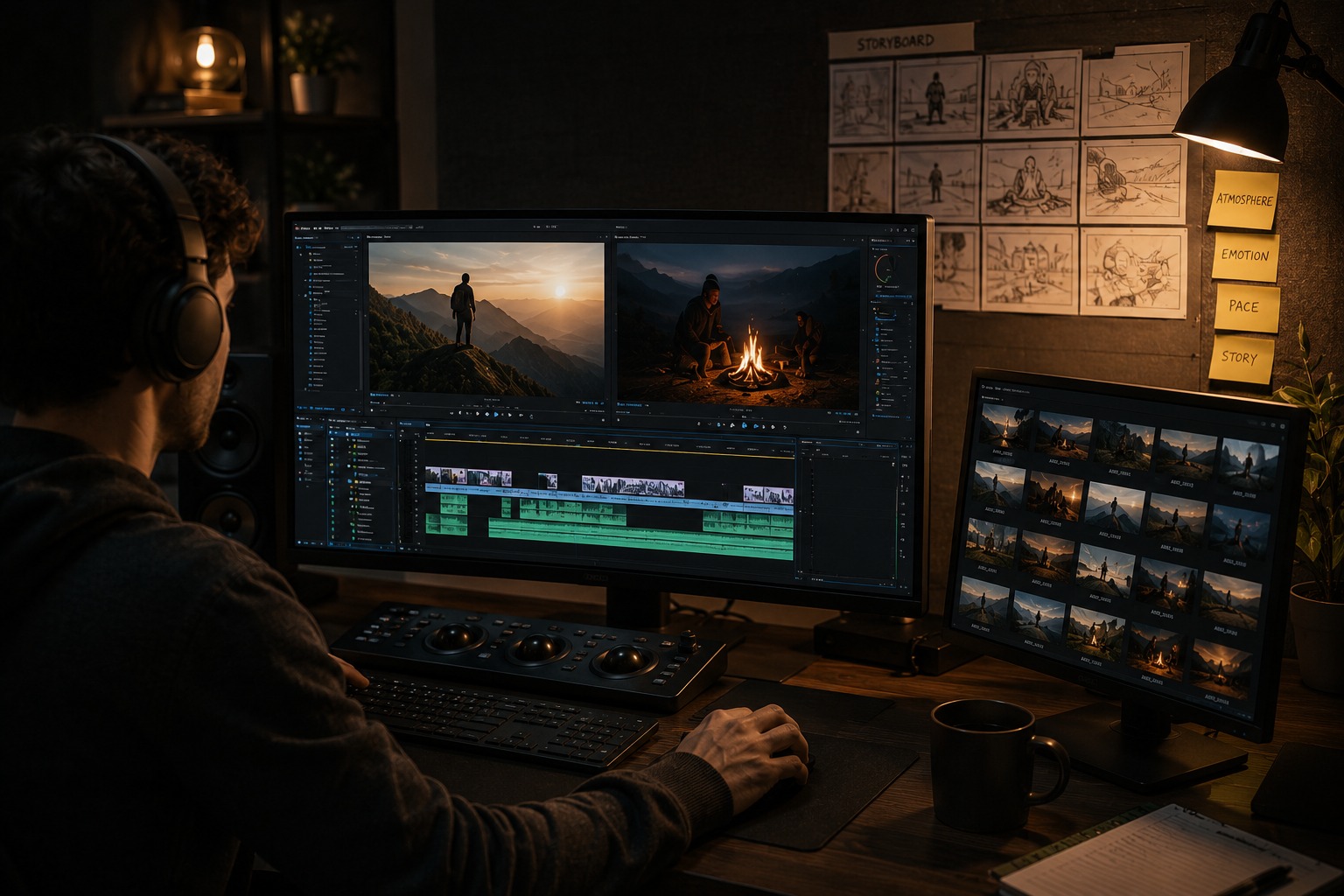
04. Storytelling Montage
Montage edit syncing background audio swells, split screen layers, color correctors, and creative timing adjustments.
What You'll Be Able to Do
Practical capabilities that translate directly to professional delivery settings.
* Success depends entirely on the student's practice, editing consistency, and effort inside and outside the classroom.
Frequently Asked Questions
Key details to keep in mind regarding our Jodhpur video editing modules.
Ready to Learn How Video Work is Done?
Book a free 2-hour offline demo seat at our Jodhpur studio and test editing tools on real timelines.